Your files
Photos, documents, calendars. A personal cloud that lives in your home.
Meet the HomeBrain prototype
Message it on Telegram or by email, any time. It works with your files, smart home and passwords, and researches the web for you, from a quiet little appliance in your home.
Your data stays on your device. The clerk runs locally.
In development. Made for life at home.
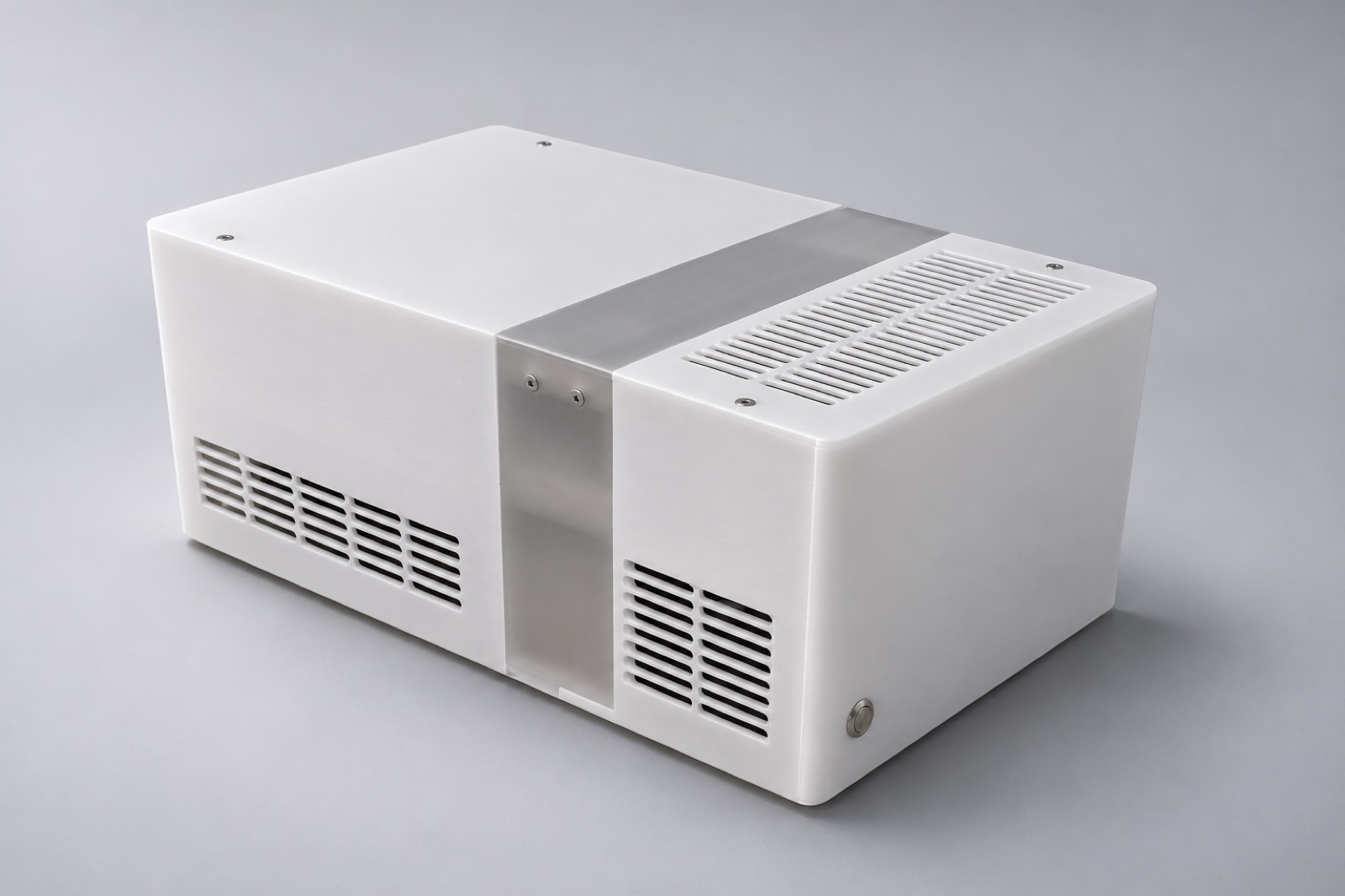
HomeBrain brings your personal cloud, smart home, password vault, and local AI together. One place to set up. One place to look after.
Photos, documents, calendars. A personal cloud that lives in your home.
Bring your lights, devices, and everyday routines together with Home Assistant.
Keep your passwords close, with a vault compatible with Bitwarden apps.
A local AI on its own GPU, on Telegram and email whenever you need it.
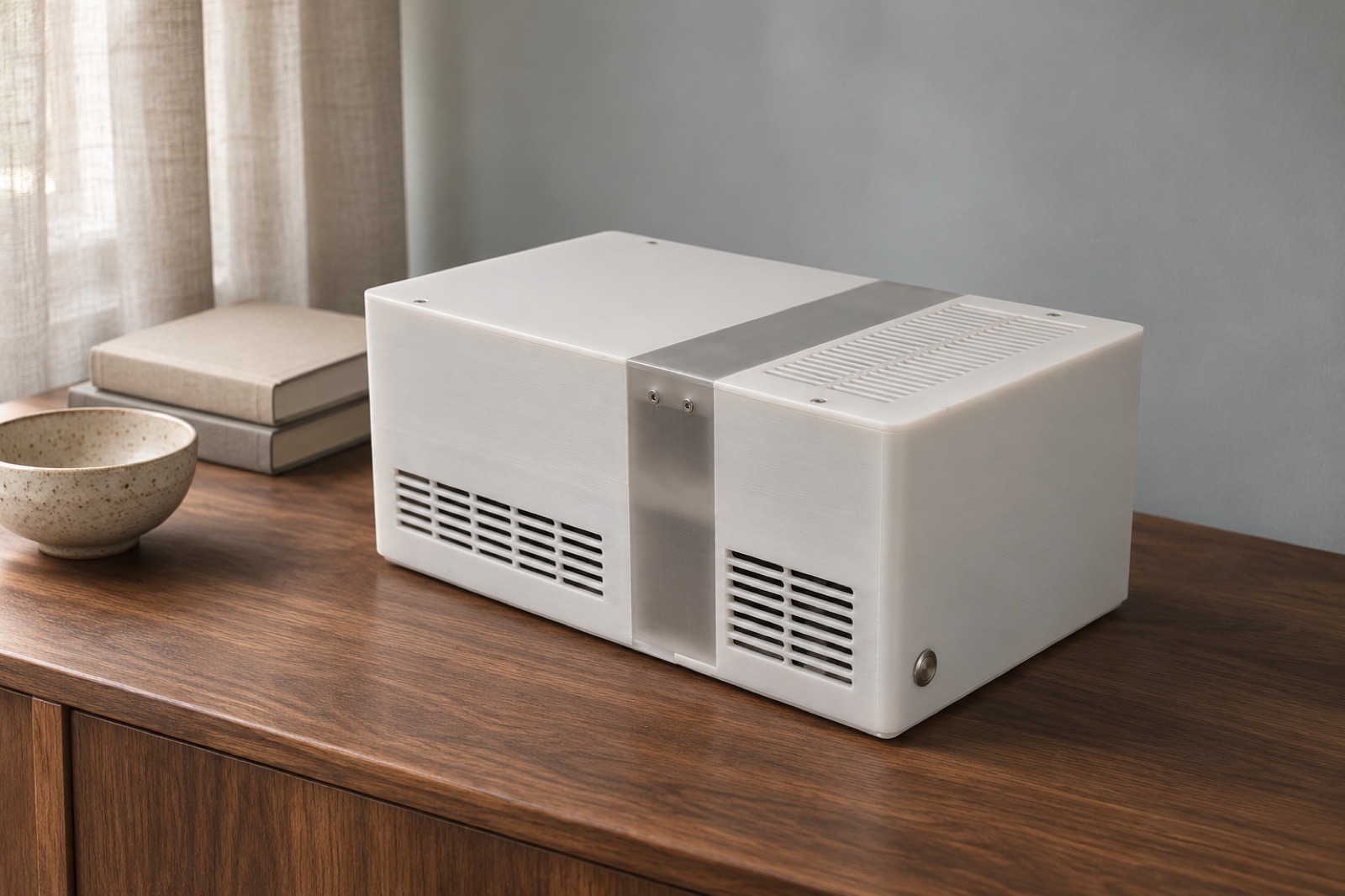
A frosted shell. A translucent band. A compact form designed for a tabletop.
We’re building HomeBrain around a simple idea: the things that make your home yours should have a home of their own.
Take a closer lookThe appliance does the work. You decide what it connects to.
Every answer is generated on the GPU inside HomeBrain. No AI cloud sees your questions, your files or your passwords.
Files, passwords and home data live on HomeBrain, with no HomeBrain account or servers in between. Off-site backups are encrypted before they leave.
The vault opens only after you unlock it on the dashboard. Revealing a password needs your OK in chat, and every reveal is logged.
Messages travel through Telegram or your mail provider, which can read them. A web search sends only the query, from your own connection.
The software
Ask anywhere. The work happens at home. Each integration is one row on the dashboard: connect it, test it, revoke it. Set up by a browser wizard, with no subscription and no HomeBrain account.
Finds a document, fetches the latest invoice, checks what’s on your calendar in Nextcloud.
Dims the living room, runs a scene, checks a sensor in Home Assistant.
Looks up a login or saves a new one in your Bitwarden-compatible vault.
Searches, sorts and drafts mail in the accounts you connect, from a mailbox of its own.
Searches through its own search engine on the box, and reads pages in its own browser.
Checks the system’s status, runs a backup, restarts a service.
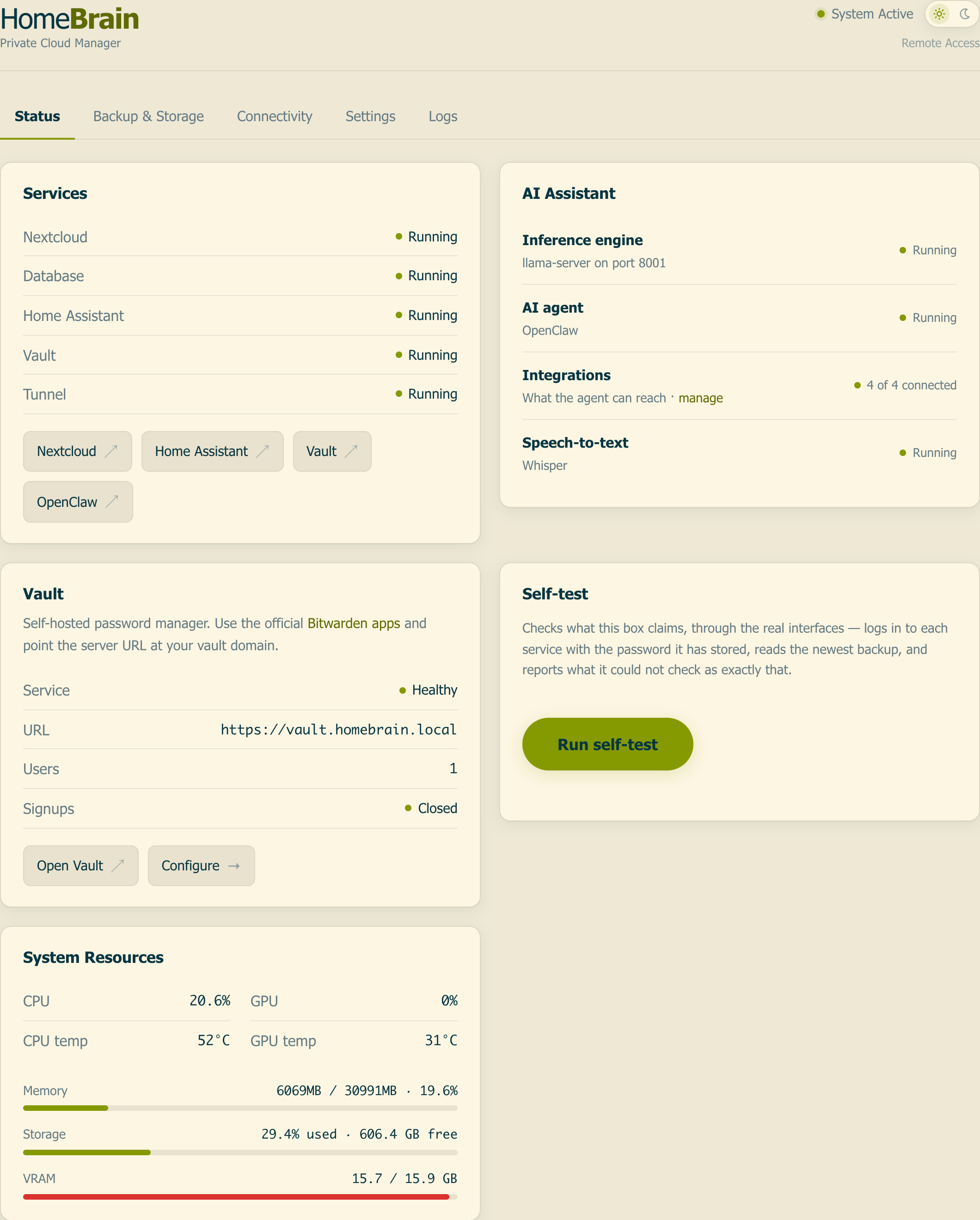
Open source, and installable today. BSD-3-Clause licensed. Runs on Ubuntu 24.04 or later; without a GPU, the same install runs as HomeCloud (files, home and vault), even on a Raspberry Pi 5. Built on Nextcloud, Home Assistant, Vaultwarden, llama.cpp, Whisper and OpenClaw, with pinned versions and one-click updates.
View the source on GitHubFrom the workbench
Designed, printed, and assembled by Oliver Altergott. Explore the studio treatment alongside the original build photos.
Built to be opened. A printed enclosure, removable panels, and standard PC components make this a hands-on project.
Still being refined. The enclosure and software are in development. Final specifications, pricing, and availability aren’t announced yet.
Inside HomeBrain
The documented prototype build pairs a desktop processor with a dedicated 24 GB GPU for local AI.
24 GBDedicated GPU memory
32 GBSystem memory
2 TBNVMe storage
| Component | Model | Specification |
|---|---|---|
| Processor | AMD Ryzen 5 5600 | AM4 desktop processor |
| Graphics & local AI | ASRock Intel Arc Pro B60 Creator | 24 GB dedicated graphics memory |
| Memory | 32 GB G.Skill Ripjaws V | 2 × 16 GB DDR4-3600 CL16 |
| Storage | Lexar NM790 · 2 TB | M.2 NVMe SSD |
| Motherboard | ASRock B550M-ITX/ac | Mini-ITX · Gigabit Ethernet |
| CPU cooling | Noctua NH-L9a-AM4 | Low-profile air cooler |
| Power supply | Corsair SF750 Platinum | 750 W SFX · ATX 3.1 |
| GPU connection | LINKUP AVA5 Armour | 20 cm PCIe riser cable |
| Enclosure | Custom 3D-printed PETG | White shell · translucent centre band |
Prototype build specification from the project’s component records, not a final retail configuration. Final dimensions, power consumption, cooling, and acoustic measurements will follow validation. The 750 W rating is the power supply’s capacity, not measured system consumption.
Come a little closer.
Get occasional prototype progress and launch news. Join the HomeBrain waitlist.
Not yet. This is a development project, and the hardware is a prototype. The waitlist is for progress and launch updates; it isn’t a preorder or a reservation.
Files, home services, the password vault, and AI inference run on the appliance. Connections you choose can involve other providers. In particular, Telegram can read bot chats, email passes through your mail provider, web searches go to public search engines, and remote access and off-site backups use services you configure.
The studio and home-setting images are AI-assisted visualisations based on photographs of the physical prototype. The original enclosure and assembly photographs are available in the gallery above. The design is still evolving.
Your email is saved for HomeBrain prototype and launch updates. There’s no payment or account to create. To leave the list, email Oliver from the address you used.